

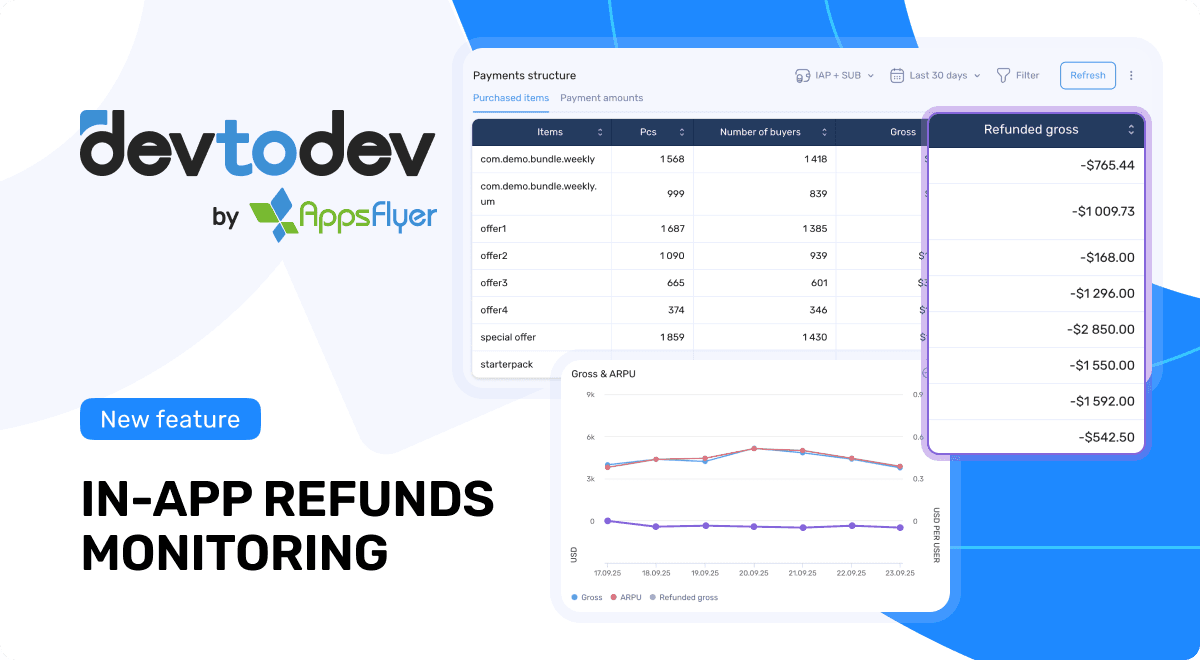
Introducing devtodev's automatic IAP refund monitoring to help you better understand your app’s actual revenue and respond faster to changes in user behavior.
If you’re already using automatic payment tracking, refund data is now collected and processed automatically — no extra setup required.
The challenge
Until now, teams often relied on separate spreadsheets or third-party tools to collect refund data from the App Store and Google Play, which made tracking refunds a manual and fragmented process that slowed down reporting and increased the risk of errors.
With this update, everything happens automatically inside devtodev. With automatic refund tracking, devtodev gives you a complete and accurate view of your true revenue. It’s another step toward automating routine tasks, simplifying workflows, and helping teams spend less time on data retrieval and more time on insights.
What’s new
- Automatic integration: IAP refund monitoring works just like automatic payment tracking and is configured in the same place (Settings → Payment integration).
- Real-time refund data: devtodev automatically retrieves refund information from the App Store and Google Play.
- Accurate transaction handling: each refund is matched to its original transaction and recorded as a payment with a negative amount, dated according to the refund processing date (not the original purchase date).
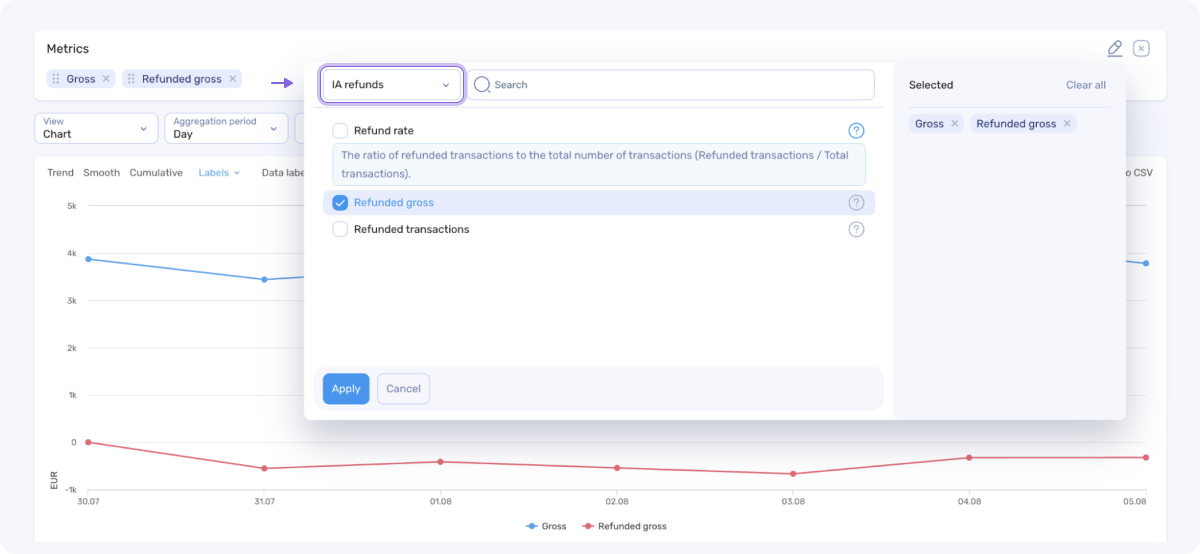
Bonus: new metrics & reports
You’ll now see refund data across the platform:
- New Payment Structure report → Purchased items with key financial metrics for each item, including refunds — helping identify top-performing products and spot loss-making items with high refund rates.
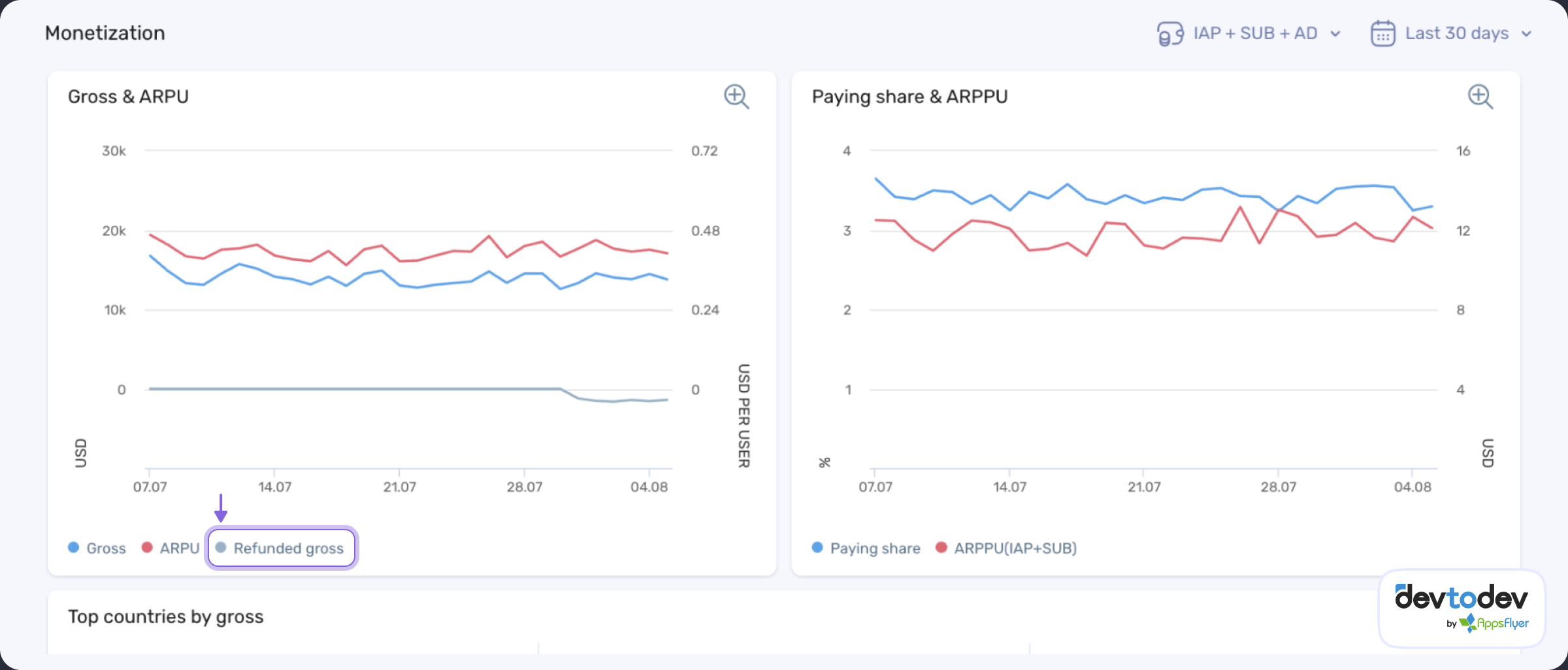
- New metric in Monetization dashboard: Refunded gross in the Gross & ARPU widget
- Basic Metrics report: Refunded transactions, Refunded gross, Refund rate (refunded transactions ÷ total transactions)
- Transactions report and SQL: full refund history
- User cards: new fields - Refunded payments sum and Refunded payments count (aggregated in the space currency and available for segmentation and push notification filters)

Note:
- Subscription refunds are deducted from revenue and included in all related financial metrics.
- In-app refunds are displayed in reports but do not affect total revenue or user-level payment properties (e.g., payment sum, capacity).
This setup helps deliver valuable refund data quickly while keeping financial metrics consistent and workflows simple.
Why it matters
- See your real revenue: get a complete view of net revenue with refunds accurately reflected.
- React faster, prioritize efforts: monitor refund spikes, detect underperforming products with high refund rates, and maximize on revenue-driving items.
- Act on insights: use refund data to segment users, analyze patterns, and launch recovery campaigns.
- Smarter financial analytics: understand how refunds influence your metrics and forecasts.
- More automation, less routine: this update reduces manual work, simplifies data handling, and helps teams make confident, insight-driven decisions.
Automatic refund tracking gives you a clearer, faster, and more accurate picture of your business performance — so you can make better decisions with confidence.
Check your setup in Settings → Payment integration and start using refund insights today! For more info, visit documentation.
Have questions? Book a live demo to see devtodev in action!