

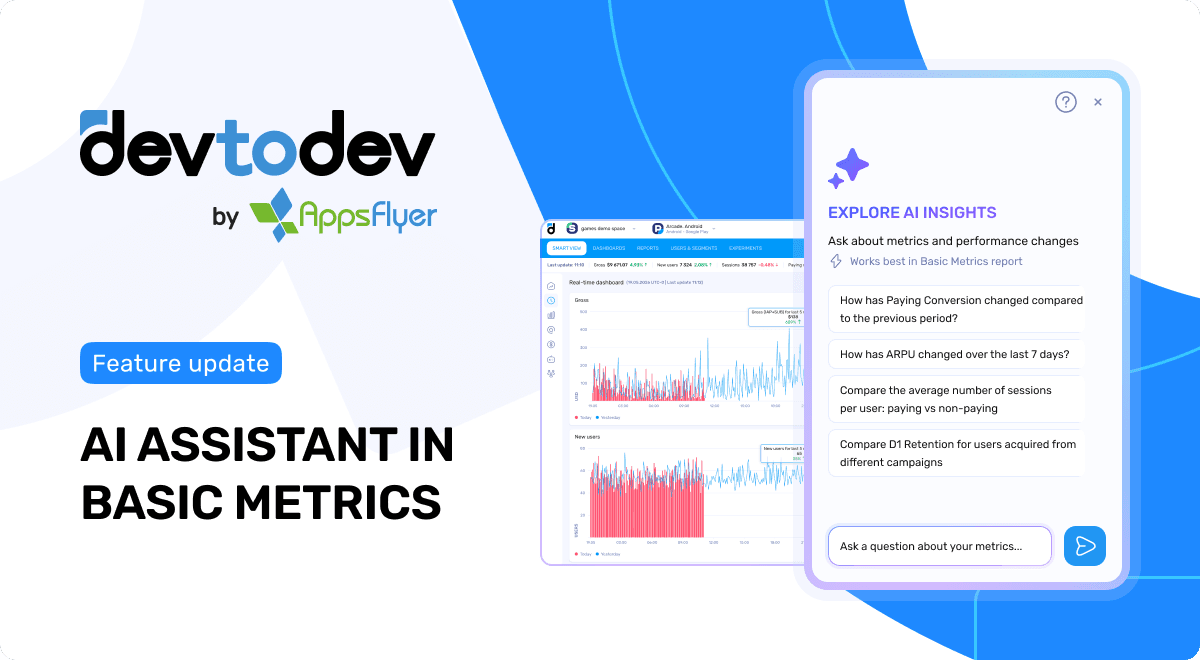
We’re expanding AI-powered analytics in devtodev.
Now available in beta in Basic Metrics, AI Assistant helps you turn plain-language questions about your product metrics into ready-to-open reports.
Ask about ARPU, retention, revenue, conversion, sessions, campaigns, user segments, and more — and AI Assistant will prepare a fully configured Basic Metrics report with the relevant metric, period, filters, grouping, and visualization.
This release brings AI-powered analytics one step closer to the way teams naturally work with data: starting with a question, exploring the answer, and moving faster from insight to action.
The challenge
Product and analytics teams ask metric-related questions every day:
- How did revenue change?
- How is retention different by campaign?
- What happened to ARPU last week?
- Are paying users behaving differently from non-paying users?
But answering these questions often means manually building reports: choosing metrics, setting periods, applying filters, selecting grouping, and adjusting the visualization.
That takes time, creates friction, and slows down analysis — especially when teams need quick answers during product reviews, campaign checks, or live ops decisions.
What’s new
Ask AI Assistant a question about your metrics in plain language.
It interprets the query, selects the appropriate metric, period, filters, grouping, and visualization, and returns a link to a fully configured Basic Metrics report.
For example, you can ask:
- How has ARPU changed over the last 7 days?
- Compare the average number of sessions per user: paying vs. non-paying
- How has paying conversion for organic traffic changed over the past month?
- Compare D1 retention by campaign for the last 30 days
- And many more questions about product performance
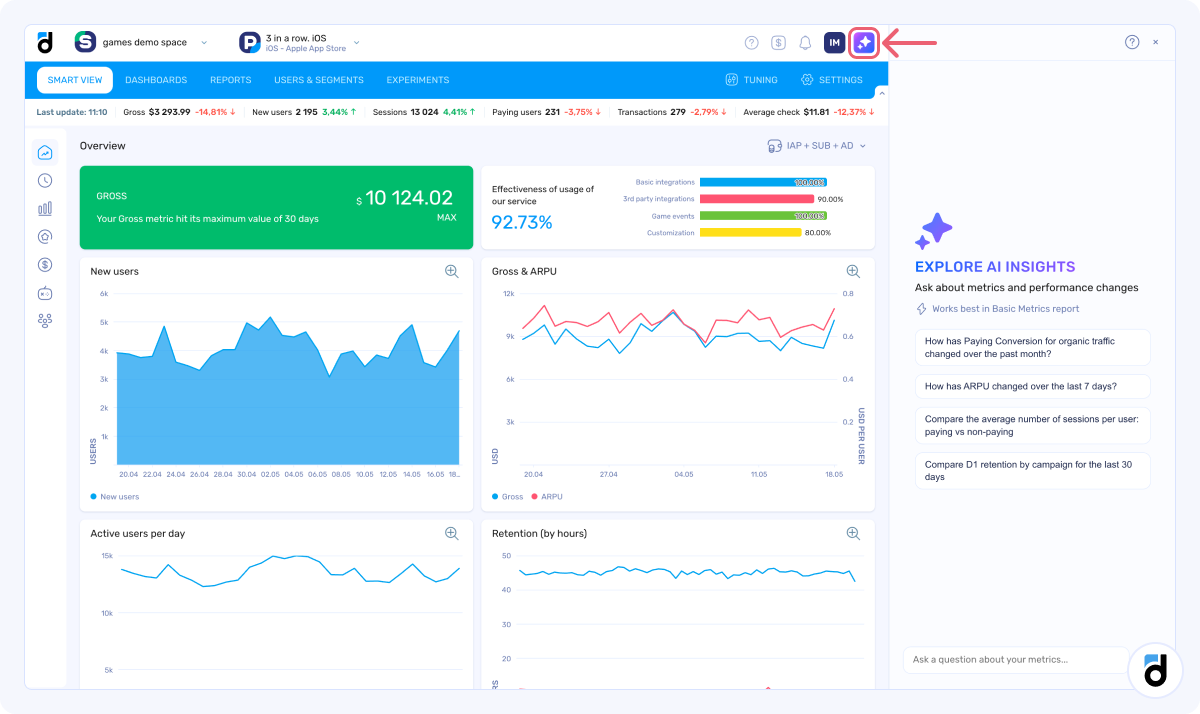
Instead of setting up the report manually, you can start with a question and let AI Assistant prepare the first version for you.
How it works
Open the assistant, type your question or choose one of the suggested prompts, and AI Assistant will generate a report link with the relevant settings applied.
The generated report can be opened directly in Basic Metrics or shared with your team.
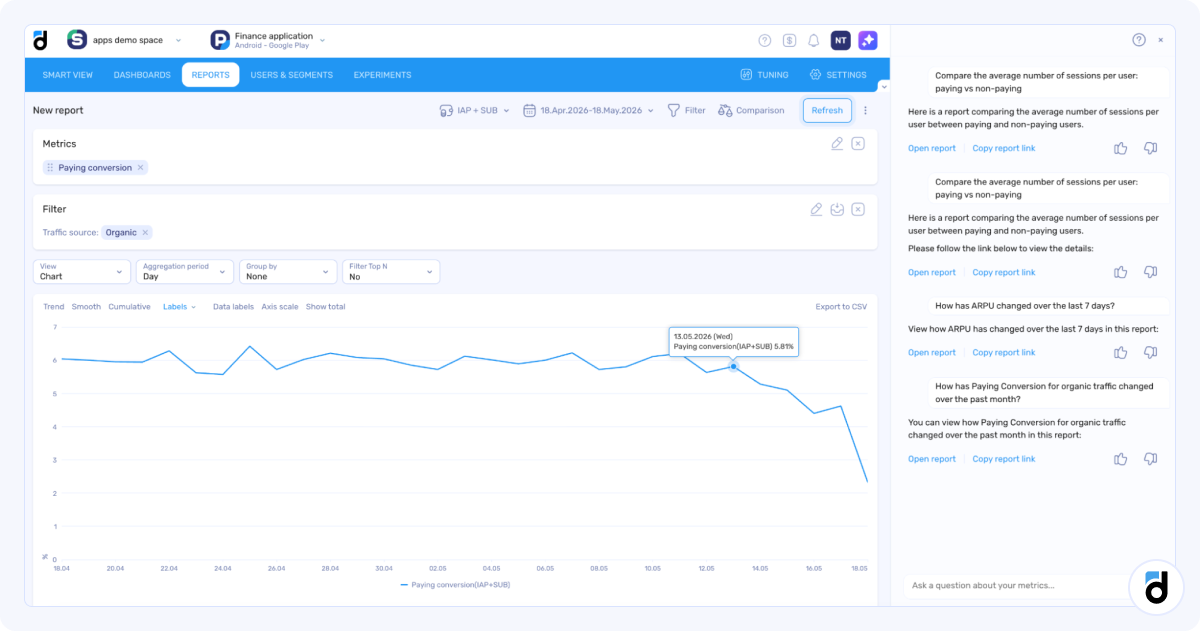
In the current beta version, AI Assistant works with Basic Metrics at the project level.
Why it matters
AI Assistant helps teams move from questions to analysis faster.
For product managers, it reduces the time between noticing a change and investigating it. They can quickly generate a starting point for analysis without manually configuring every report setting.
For analysts, it helps remove repetitive report setup and makes it easier to share consistent views of data with stakeholders.
For growth and marketing teams, it speeds up analysis of campaigns, segments, retention, conversions, and revenue.
For the whole team, it makes product analytics more accessible — so more people can explore metrics, validate assumptions, and make decisions based on data.
The bigger picture
This release is another step toward AI Analyst in devtodev.
AI-powered Dashboard Insights already help users understand what changed in their dashboards by summarizing trends, anomalies, and key metric changes.
AI Assistant in Basic Metrics takes the next step: from surfacing changes to helping users investigate them.
Our goal is to build an AI Analyst that helps teams work with product data more naturally and proactively — asking better questions, exploring data faster, detecting important changes, and moving from insight to action with more confidence.
We’re just getting started
AI Assistant in Basic Metrics is currently available in beta.
Try it in Basic Metrics, ask a question about your product performance, and share your feedback with our team — it will help shape the next steps toward AI Analyst in devtodev.