

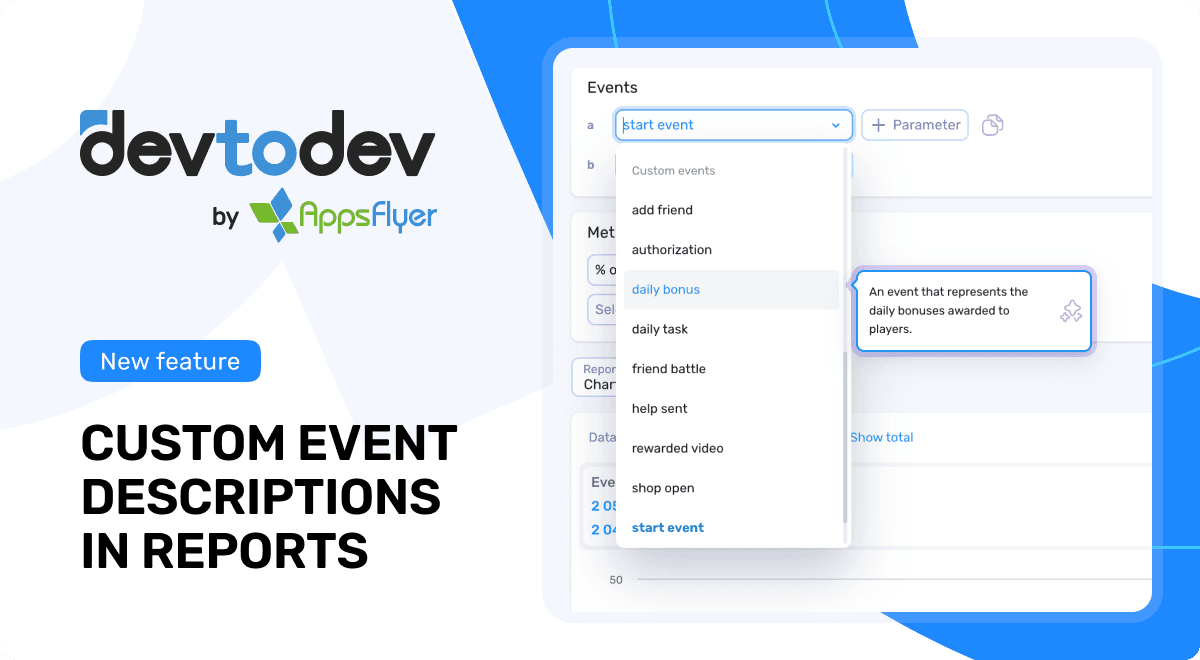
Event descriptions and parameters in devtodev are now visible directly inside the Custom events report. With this update, teams can instantly understand events while building reports - no more switching tabs or guessing what an event means.
The challenge
Without context, analytics often creates silos: product managers, marketers, and analysts all interpret data differently. Teams used to keep explanations in Confluence or spreadsheets, which slowed reporting and increased the risk of mistakes.
Event descriptions solve this. They bring clarity directly into devtodev, so everyone speaks the same data language. You can add descriptions manually or let AI generate them automatically - whichever is more convenient for your team.
What’s new
Custom event descriptions now work directly inside reports - so the feature you already love just got an upgrade. You can still add descriptions to custom events and parameters in Tuning → Custom event configurations, but now those descriptions and parameters appear right in the Custom events report.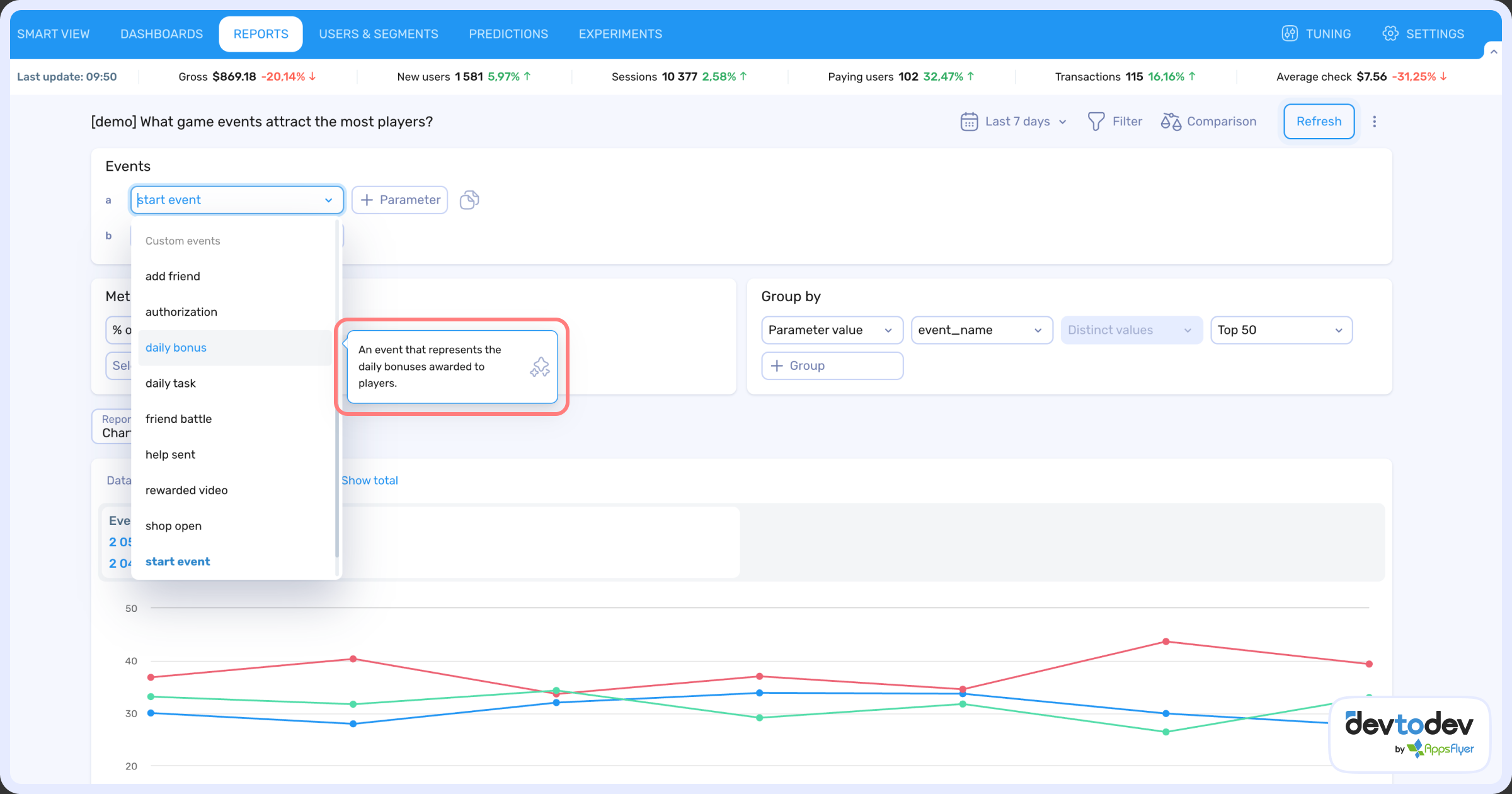
Hover over any event in the list to see its description instantly. This small change speeds up understanding and makes the event's meaning instantly clear.
Why it matters
- Faster reporting: teams build the right reports without delays.
- Shared context: product, marketing, and support rely on one source of truth.
- Less manual work: AI can generate descriptions automatically, reducing routine while keeping them consistent.
- Smarter decisions: clear event meaning leads to more accurate insights.
For example:
- You see an event called “tutorial_completed” and aren’t sure what it measures. Now, hover over it - and the description tells you it’s “completed the onboarding tutorial after registration.”
- Or you notice “purchase_vip1” in the report. Instead of guessing, you get a description right away: “user bought the entry-level VIP subscription.”
This makes it much easier for any team member to build reports confidently and interpret data correctly.
How to add descriptions
- Go to Tuning → Custom event configurations
- Enter a description for your events and parameters
- Or, let AI generate them automatically
- Open the Custom events report and hover over any event to see the description
Custom event descriptions have quickly become one of the most valuable features in devtodev. Now, with descriptions visible directly in reports, they’re even more practical and powerful.
Check out our demo to see how it works in action!